The Next-Gen Image Viewer
Pitop Viewer is a modern, fast and lightweight macOS app to view all your images. Native HEIC and RAW support, slideshow, GPS geolocation, and elegant interface.
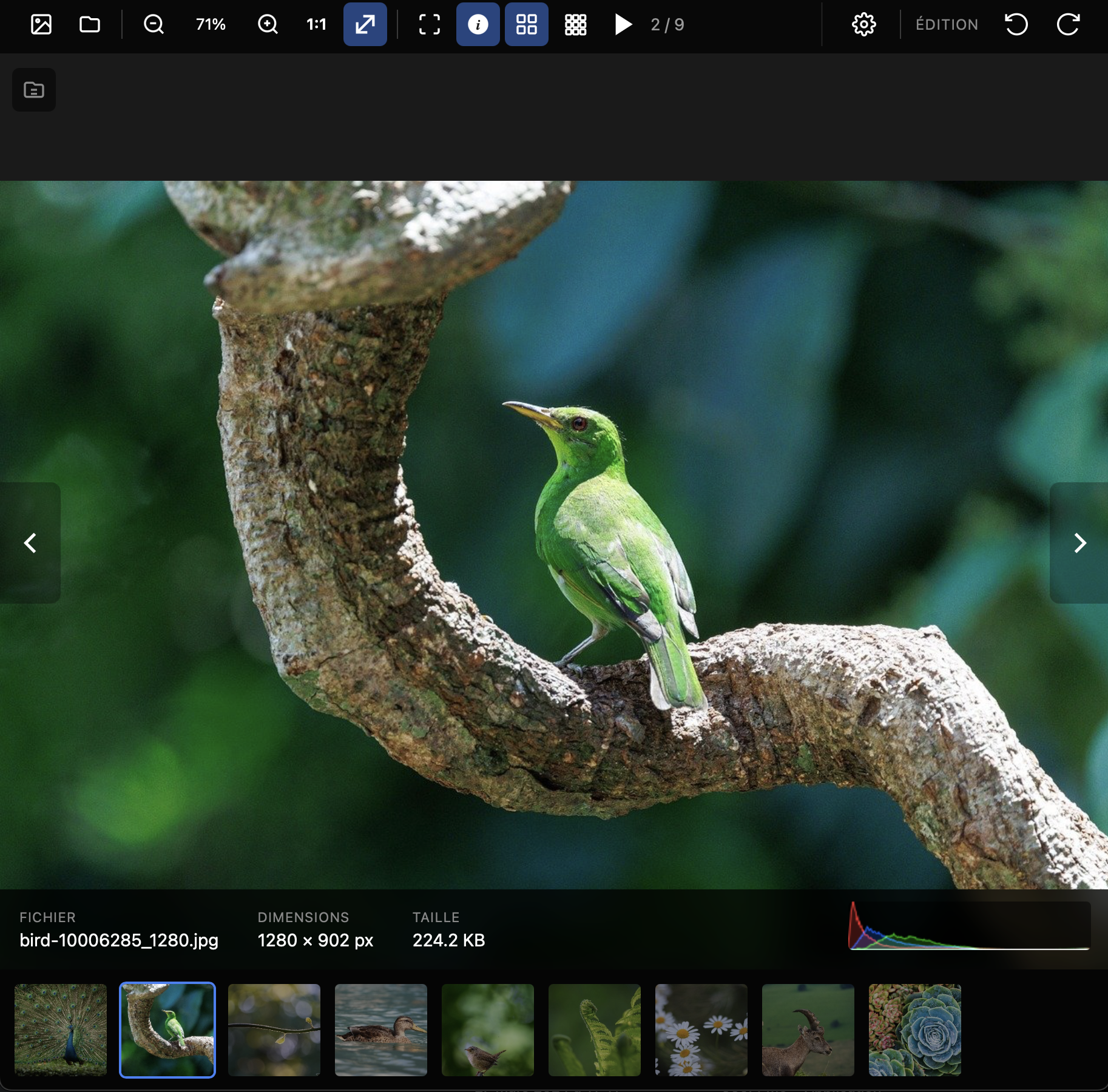
Pitop Viewer is a modern, fast and lightweight macOS app to view all your images. Native HEIC and RAW support, slideshow, GPS geolocation, and elegant interface.
A complete image viewer with all essential features, without unnecessary complexity.
Instant image loading thanks to optimized architecture. Smooth navigation even with thousands of photos.
View your iPhone photos (HEIC/HEIF) and professional RAW files (CR2, NEF, DNG, ARW...) without conversion.
Start an automatic slideshow with adjustable delay. Perfect for presenting photos or displaying as screensaver.
Display photo location with automatic reverse geocoding. See city and country directly in the info panel.
Analyze color distribution with real-time RGB histogram. Perfect for demanding photographers.
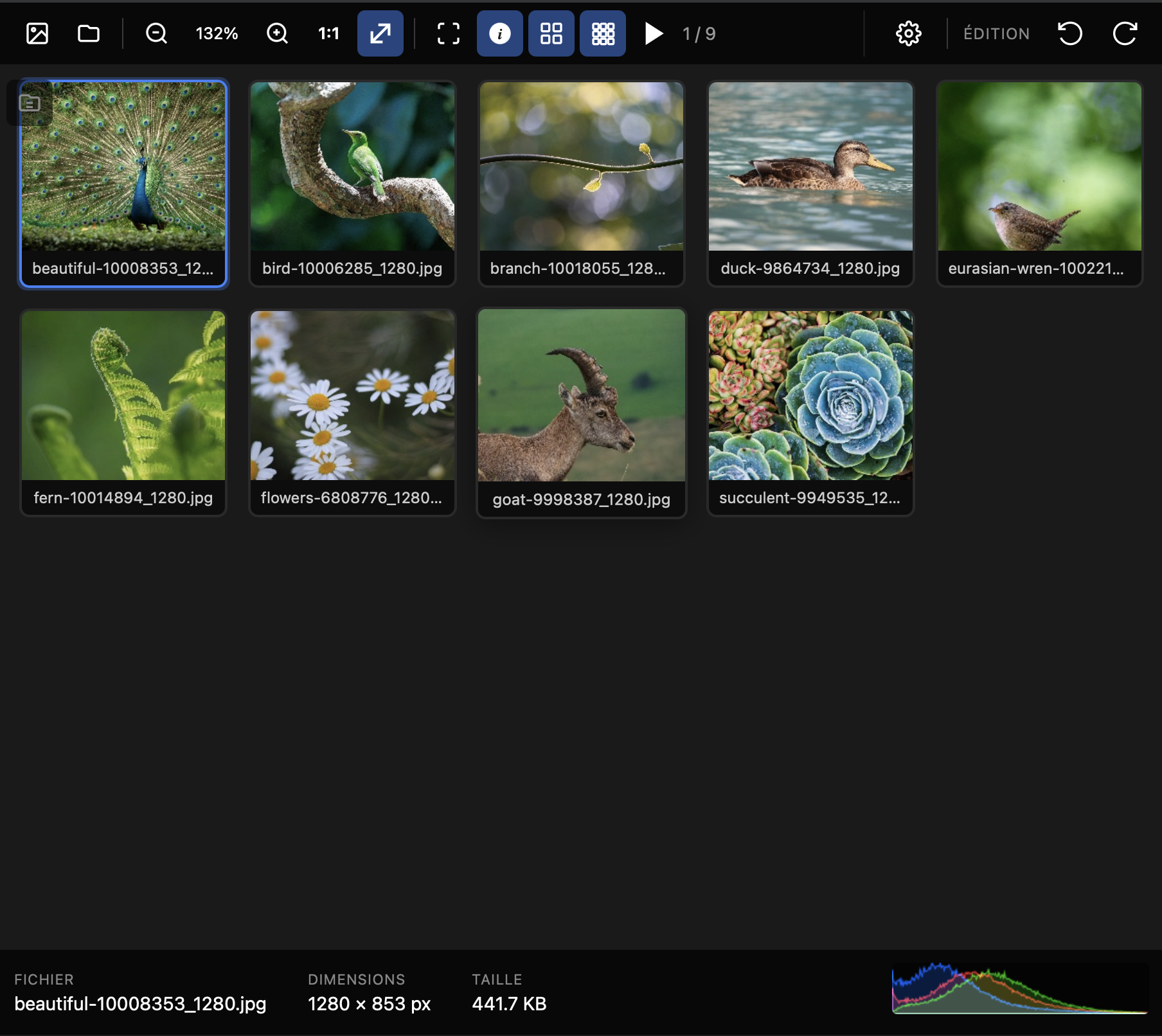
View all your images in a grid for quick overview. Click to open any photo.
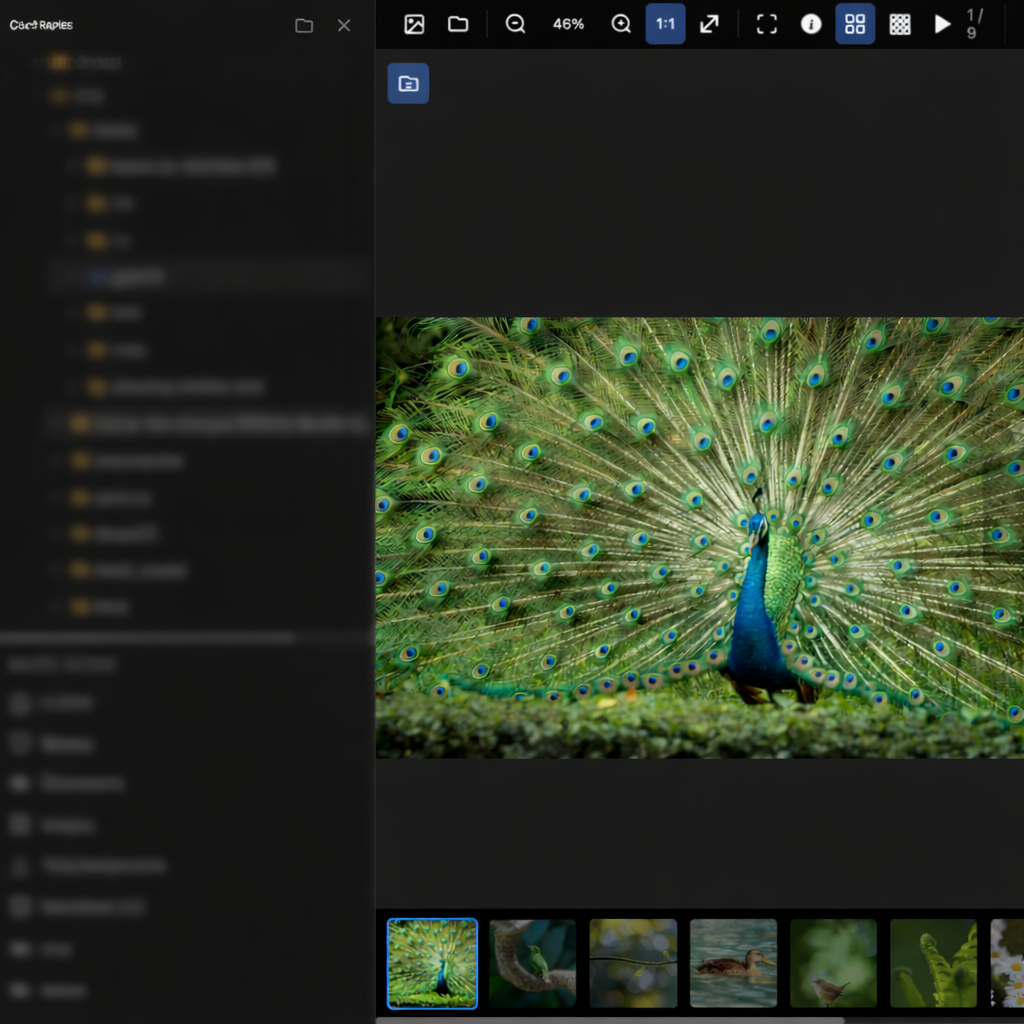
Navigate your folders without leaving the app. Quick access to Desktop, Documents, Pictures, Downloads.
Rotate 90° in both directions, horizontal and vertical flip. Changes are saved directly to the file.
Crop your images with preset ratios (free, 1:1, 4:3, 16:9, original) and rule of thirds grid to guide your composition.
Adjust brightness, contrast and saturation with real-time sliders. Preview before applying.
Apply filters with adjustable intensity: black & white, sepia, sharpness and blur. Instant preview.
View and edit metadata: date, camera, description, GPS. Delete EXIF data in one click.
Filter your images by name, extension or file size. Instantly find the photo you're looking for.
Smooth zoom with mouse wheel or trackpad. 1:1 and fit-to-window modes. Intuitive panning when zoomed.
Immerse yourself in your photos with fullscreen mode. Discreet interface that fades away for the image.
Choose between light, dark or automatically follow your system preferences.
Every edit is reversible. Undo or redo your actions with a complete per-image history.
Automatically receive new versions. Discreet notification and one-click install from settings.
Rate your images from 1 to 5 stars and organize them in custom albums. Easily browse your favorites.
Pitop Viewer natively supports a wide range of image formats, including professional RAW formats.
A dark and elegant interface, designed to showcase your photos.
Navigate quickly with intuitive shortcuts.
Download Pitop Viewer for free and discover a new way to view your images.
Download for macOS